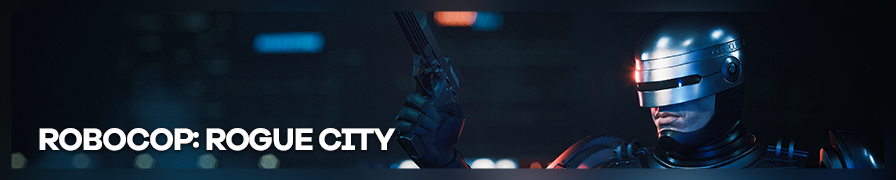
Shot by ItsYFP
Summary
| Feature | Supported |
|---|---|
| Vanilla Photo Mode | No |
| Hotsampling | Yes (use windowed mode) |
| DSR | Probably |
| Custom Aspect Ratios | Yes |
| Reshade | Yes |
| Ansel | No |
| Graphics API | DirectX 12 |
| Game version | S 1.7.0.0 |
Tools
- Unreal Engine Unlocker v5.4.11 or higher (Not free, available on Patreon)
Features: Camera control, FoV control, HUD toggle, game speed, pause/timestop, hotsampling, post processing, camera paths, pose tools
Posing:
RoboCop specifically does not have a player model available during normal gameplay. However, you can use it through the "Experimental Options" in the UUU Interface.
How to:
- Enable the Free Camera (
Insert) - Open the in-game UUU Interface (
CTRL+Insert) - Click on RoboCop (you will only see his 2 arms) to get his model show up in the list.
- Now click on "Experimental Options" in the UUU interface, just below the "Show Pose Editor" button.
- Select SK_RoboCop in "Skeletal Mesh" to have his model available anywhere you want, just be aware that some bones in the "Bone Tree" seem to use a different name (for example, the "Head" is actually
spine_02).
You can also access his model and use poses during (specific) cutscenes. There are 2 types of cutscenes happening.
- Cinematics with Black Bars: Here you can access his model and move it around but not pose it.
- Conversations with NPCs: In these you are also able to access his model, move it around but also be able to pose it. If you want to have RoboCop in any city location available in your screenshot, you can use these Conversation with NPCs too, the city as a whole is fully accessible and rendered in free camera.
How to:
- Play a story mission
- Get into conversations with an NPC
- Pause the game (
Numpad 0) - Enable the Free Camera (
Insert) - Open the in-game UUU Interface (
CTRL+Insert) - Click on RoboCop to get his model show up in the list
- Click on "Show Pose Editor"